-
-
Products
-
Cross-Tool Traceability
-
-

OSLC Connect for Jira
Connect Jira with IBM ELM, SIEMENS Polarion, PTC Windchill, and more.
-

OSLC Connect for PTC Windchill
Connect PTC Windchill with IBM ELM, or Atlassian Jira.
-

OSLC Connect for Confluence
Connect Confluence with IBM ELM, SIEMENS Polarion, CAMEO Teamwork Cloud, and more.
-

SECollab
One platform to review, trace, and prove compliance across every tool in your engineering toolchain.
-

ReqXChanger
Connect ReqIF Compatible Requirements data to your Modeling Environment
-
-
-
Systems Models Exchange
-
-

Publisher for SPARX Enterprise Architect
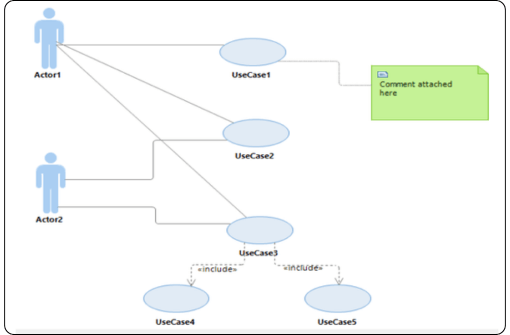
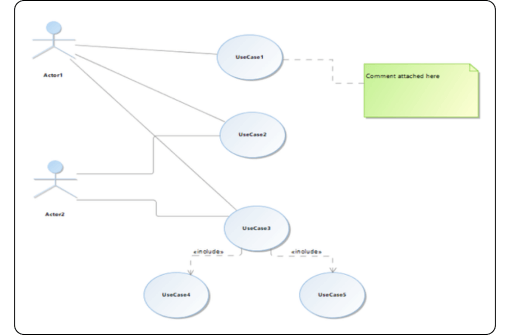
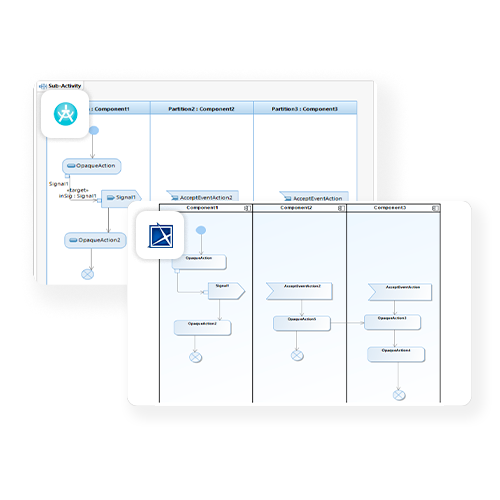
Convert SPARX Enterprise Architect models into Cameo Systems Modeler (MagicDraw) models
-

Publisher for IBM Rhapsody
Convert IBM Rhapsody models into Cameo Systems Modeler (MagicDraw) models
-
Publisher for IBM Rhapsody - Cameo Importer
Convert Cameo Systems Modeler (MagicDraw) models into IBM Rhapsody models
-

Publisher for IBM Rational Software Architect
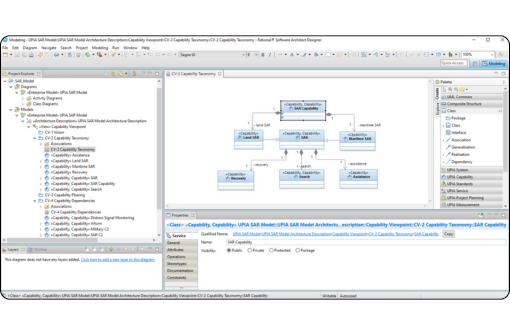
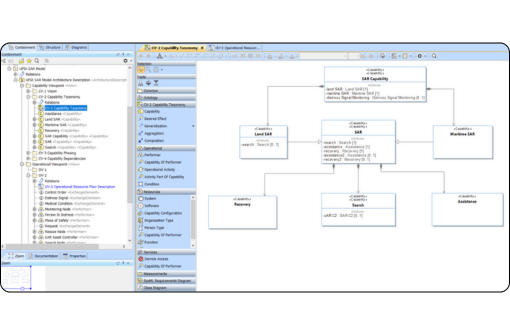
Convert IBM Rational Software Architect models into Cameo Systems Modeler (MagicDraw) models
-

Publisher for UNICOM System Architect
Convert UNICOM System Architect models into Cameo Systems Modeler (MagicDraw) models
-

M2M Transformation for IBM Rhapsody
Transform IBM Rhapsody models across domains and abstractions such as UML, SysML, AUTOSAR, MARTE, MODAF, or any custom profile.
-
-
-
Model-Based Development
-
-

IBM Rhapsody Systems Engineering
-
IBM Engineering Rhapsody
-

AI Modeling Assistant for IBM Rhapsody
Improve IBM Rhapsody productivity through AI-assisted model creation and refinement
-

Profile Builder for IBM Rhapsody
A graphic modeling environment that simplifies creating, editing, and maintaining profiles
-

Power Pack for IBM Rhapsody
Reduce manual work with powerful automation helpers for IBM Rhapsody
-

Sparx Systems Enterprise Architect
-
-
-
Embedded Development
-
-

Embedded UML Studio
Unlock the benefits of UML modeling for Software Development
-
Embedded UML RXF
Leverage the full scope of UML for Model-Based Development of Embedded Systems
-

Embedded UML RXF-Cert
Simplify UML-based development of certification-ready source code
-

RXF for AUTOSAR Classic Platform
UML-based Software Development for AUTOSAR Classic Platform
-

Arm Keil Development Tools
-
-
-
Requirements Engineering
-
-
IBM Engineering Requirements Management DOORS
-
IBM Engineering Requirements Management DOORS Next
-

TopTeam Requirements
-

Requirements Studio
Facilitate compliance with standards and security requirements
-

Requirements Management Widgets
Boost the value of IBM DOORS Next with Requirements Management Widgets
-

DXL Editor Pro
Edit, compile, execute, and debug scripts with DXL Editor Pro
-
SECollab
Run formal requirements reviews and generate audit-ready compliance reports from one single platform
-
-
-
Test Management
-
End-to-End Development Platform
-
-
IBM Engineering Lifecycle Management
-
IBM Engineering Requirements Management DOORS
-
IBM Engineering Requirements Management DOORS Next
-
IBM Engineering Test Management
-
IBM Engineering Workflow Management
-
IBM Rhapsody Systems Engineering
-
IBM Engineering Rhapsody
-
IBM Engineering Rhapsody Model Manager
-
IBM Engineering Rhapsody TestConductor Add On
-
IBM Engineering Lifecycle Optimization — Publishing
-
-
-
Cross-Tool Traceability
-
Products

/Time-icon_SodiusWillert_100x100px_color.png)
/Validation-icon-SodiusWillert-100x100px-color.png)
/Performance-icon-SodiusWillert-100x100px-color.png)