Convert SPARX Enterprise Architect models into Cameo Systems Modeler (MagicDraw) models
Convert IBM Rhapsody models into Cameo Systems Modeler (MagicDraw) models
Convert Cameo Systems Modeler (MagicDraw) models into IBM Rhapsody models
Convert IBM Rational Software Architect models into Cameo Systems Modeler (MagicDraw) models
Convert UNICOM System Architect models into Cameo Systems Modeler (MagicDraw) models
Model-based model-to-model transformation in Rhapsody
Connect ReqIF Compatible Requirements data to your Modeling Environment
Publish engineering data from multiple tools into a unified web platform
Unlock the benefits of UML modeling for Software Development
Leverage the full scope of UML for Model-Based Development of Embedded Systems
Simplify UML-based development of certification-ready source code
Manage models, configurations, and traceability in a unified web platform
Improve IBM Rhapsody productivity through AI-assisted model creation and refinement
UML-based Software Development for AUTOSAR Classic Platform
A graphic modeling environment that simplifies creating, editing, and maintaining profiles
Reduce manual work with powerful automation helpers for IBM Rhapsody
Facilitate compliance with standards and security requirements
Boost the value of IBM DOORS Next with Requirements Management Widgets
Edit, compile, execute, and debug scripts with DXL Editor Pro
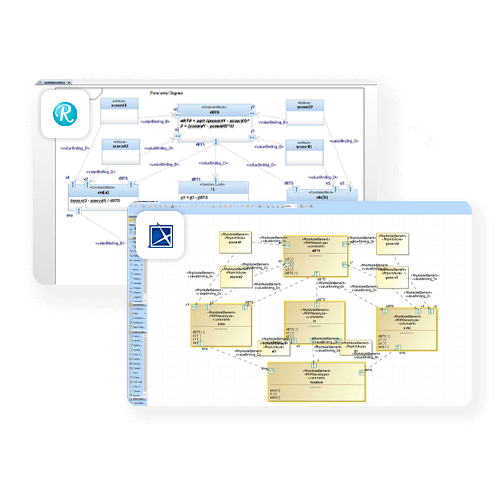
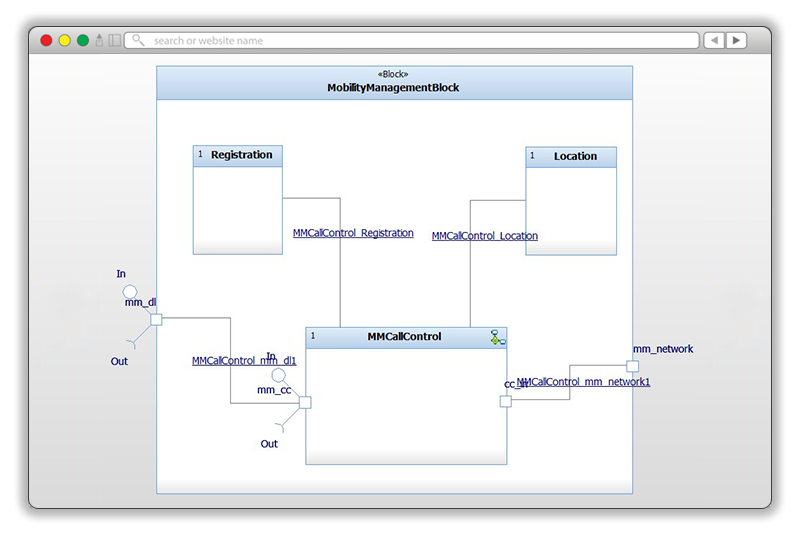
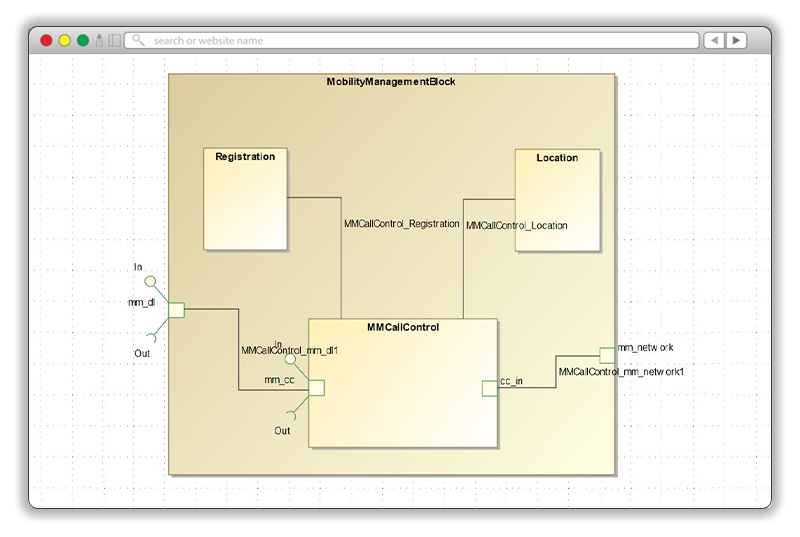
Publisher for IBM Rhapsody automates the conversion of SysML, UML, and UPDM systems to Cameo Systems Modeler (MagicDraw), with full data integrity.
Publisher for IBM Rhapsody eliminates the processes that require engineers to manually recreate complex systems models when programs change tooling requirements.
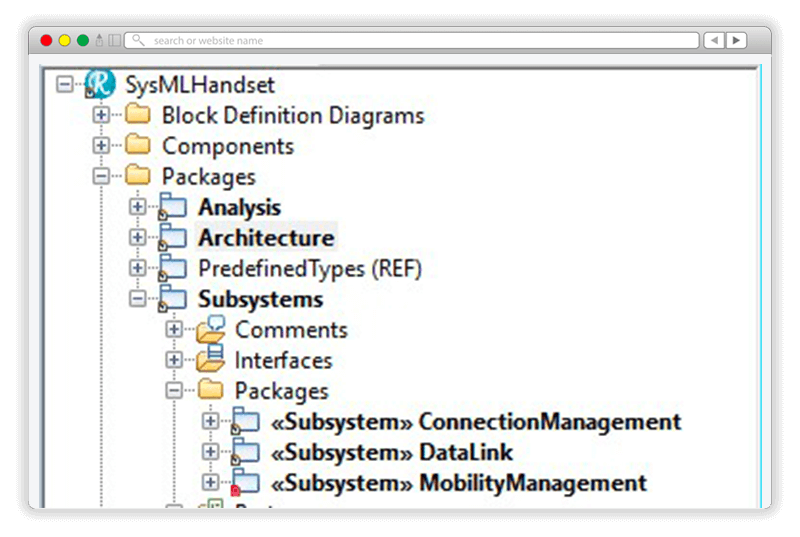
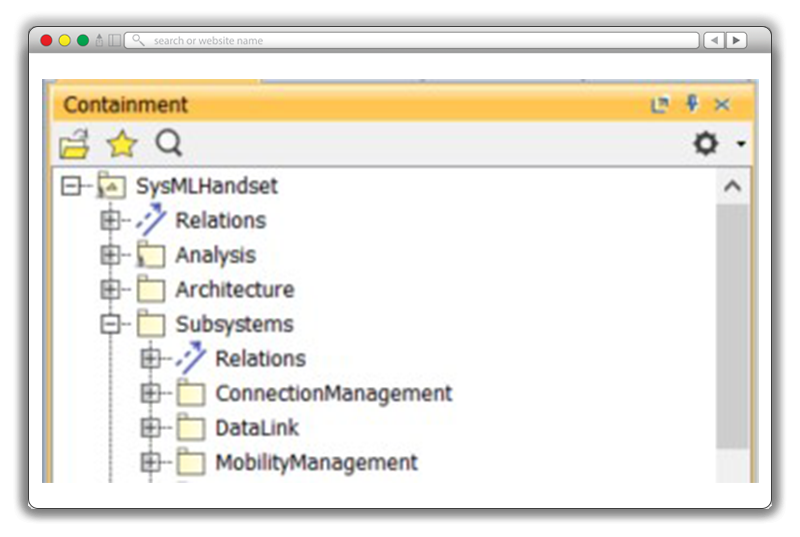
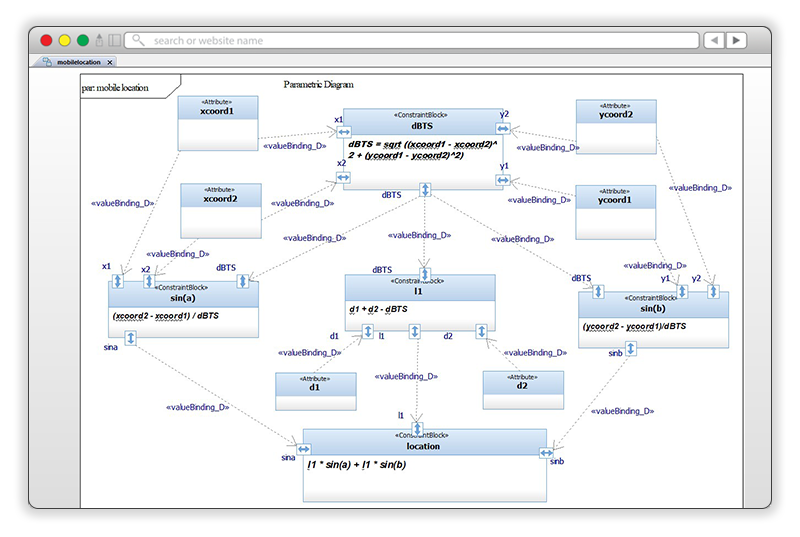
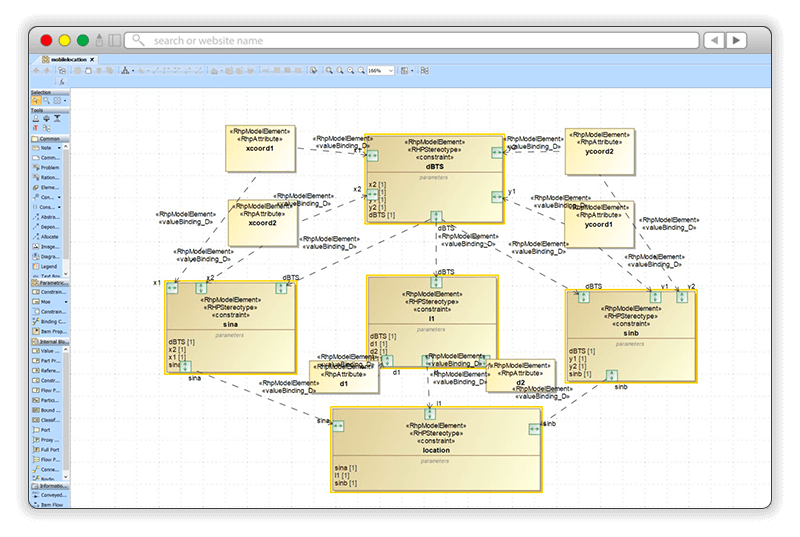
Convert complete SysML, UML, or UPDM models, including all elements, diagrams, structure, and hierarchy, in a single push of a button. No manual re-creation needed.
Transform models in both direction Rhapsody to Cameo, and Cameo to Rhapsody. Using unique identifiers, iterative scenarios are handled seamlessly, and preserve model accuracy on both sides. Each direction is licensed separately so you only pay for what you need.
Publisher for IBM Rhapsody built-on model checking feature identifies, logs, and reports inconsistencies in the source model before conversion. Your target models come back clean, validated, and ready to use.
Publisher for IBM Rhapsody runs locally inside your classified or enterprise environment. No model data is ever uploaded externally. Your IP remains yours.
Don’t waste time manually recreating IBM Rhapsody models in Cameo Systems Modeler or MagicDraw. Publisher for IBM Rhapsody handles the full complexity of real-world systems models. Get ready-to-use, flawlessly converted models including all model elements, diagrams, and shapes with Publisher for IBM Rhapsody at the push of a button.
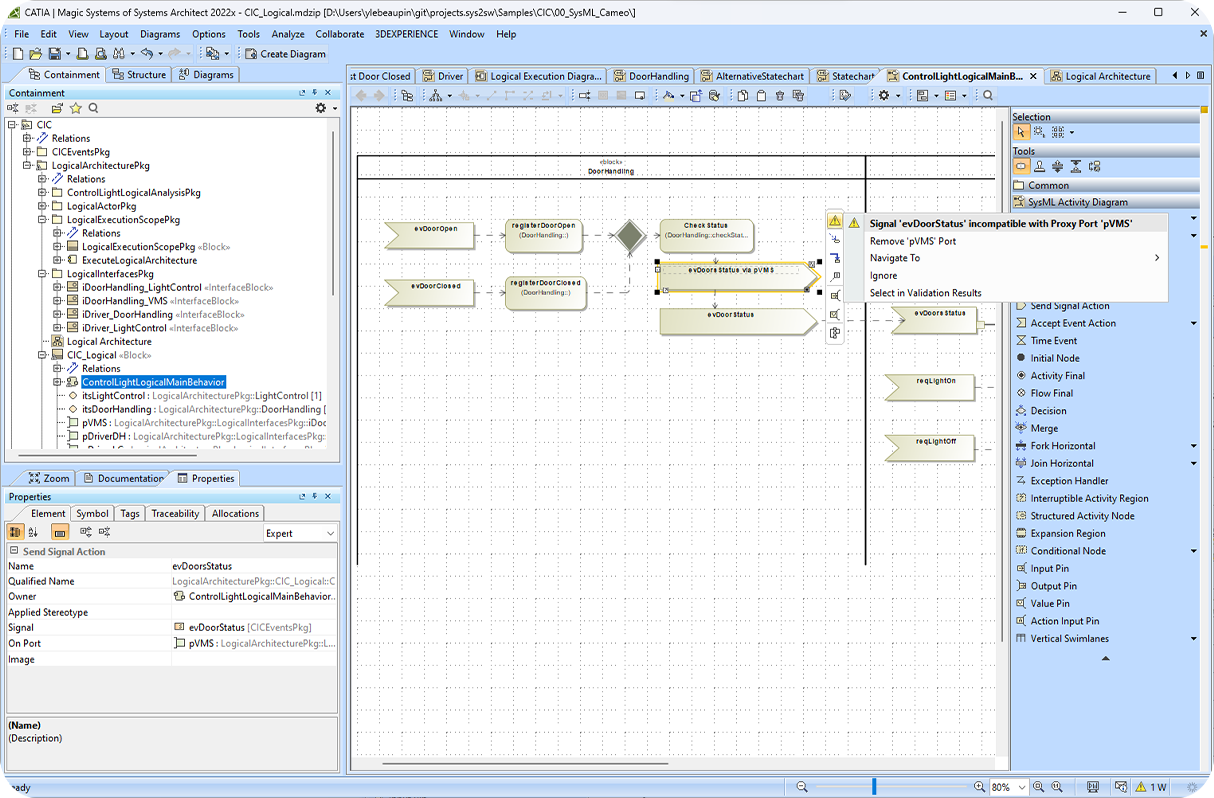
Leverage the model-checking feature to identify, log, and report inconsistencies in the source model. One simple example is if some SysML ports/pins are incorrectly typed (type mismatch), in the source model, this will be transferred to the target model. This feature allows you to save time reworking or cleaning up your target models manually and can improve model quality.
Export OSLC traceability links between IBM Rhapsody elements and IBM DOORS Next requirements directly into your Cameo model. Links are preserved as proxy requirements and OSLC hyperlinks, allowing you to navigate from Cameo directly to the exact requirement and version in DOORS Next, maintaining full traceability through the migration.
Export SysML profiles from Rhapsody and import them into Cameo. Profile swap capability lets you substitute profiles during transformation to align with your Cameo environment.
Control the display styling of published artifacts via two configuration files. Address your project's MagicDraw style rules without modifying your Rhapsody source model.
Select and transform only the portions of the model you need. Reduce transformation time and output size for large enterprise models.
Publisher for IBM Rhapsody is trusted by some of the most demanding engineering programs in the world.
One US Army project that would have taken 2 years manually was completed in 2 months with Publisher for IBM Rhapsody. A 12x reduction in effort.
A customer migrated over 800,000 SysML elements from Rhapsody to Cameo in under 9 hours, with no data loss.
Publisher for IBM Rhapsody is used by leading organizations in aerospace, and defense, across both defense and commercial programs requiring model exchange. Read these customer stories to learn how can we helped our customers get to success.
We definitely like it and the management is very pleased. Redoing an entire model that months were spent on because of tool changes, would have been a huge waste of resources.
This did in 2 months what could have taken 2 years!
Publisher for IBM Rhapsody is designed to be a push-button experience. Here's the process from installation to a fully converted, ready-to-use model.
Install Publisher as a plugin in your Rhapsody environment. Configure your two style files to define how diagrams and artifacts should appear in the target Cameo model.
Publisher runs automated model checking on your source Rhapsody model. It identifies and logs any inconsistency before conversion begins to give you a clean, validated starting point.
Push the conversion from within Rhapsody. Publisher automatically exports your entire model including all elements, diagrams, hierarchies, and relationships, to a ready-to-use CAMEO .md.zip file.
Open the converted model in Cameo Systems Modeler, or publish to Teamwork Cloud. For roundtrip scenarios, use UID tracking to sync changes back to Rhapsody on the next iteration.
Explore all our resources to learn how to exchange systems models between IBM Rhapsody and Cameo Systems Modeler.
Visit our Online Help to access everything you need to get started from system requirements to installation guides, user guides, admin guides, and more.
Reach out to our Customer Support team for bugs, new features, or technical support requests on our Customer Support Portal.
Learn more about exchanging systems models between IBM Rhapsody and Cameo Systems Modeler in this recorded webinar.
Request a free 14-day trial or talk to one of our experts to see how Publisher for IBM Rhapsody fits your program's needs.
Our Publisher solutions support all major systems design formats such as IBM Rhapsody, IBM Rational Software Architect, UNICOM System Architect, NoMagic Cameo, and MagicDraw. Browse our range of systems model exchange solutions and start converting your files today.
Convert and import No Magic Cameo Systemes Modeler or MagicDraw models to IBM Rhapsody models.
Convert IBM Rational Software Architect models to Cameo Systemes Modeler models.
Convert UNICOM System Architect models to Cameo System Modeler models.
Convert SPARX Enterprise Architect models to Cameo Systems Modeler models.
Sodius SAS
34 Boulevard du Maréchal A. Juin
44100 Nantes, France
Sodius Corp
14362 N Frank Lloyd Wright Blvd
Suite 1000
Scottsdale, AZ 85260, USA
Willert Software Tools GmbH
Hannoversche Str. 21,
31675 Bückeburg, Germany
With a unified vision, Sodius and Willert together execute on their mission to enable the thread of engineering through enterprise integration of engineering data. Both companies bring a unique yet complementary background of technology, expertise, and experience into a centralized brand to connect the engineering information that drives today’s complex and regulated products.
UNITED STATES
418 N. Main Street 2nd Floor/Suite 200,
Royal Oak, MI 48067, USA
+1 (248) 270-2950
FRANCE
Sodius SAS
34 Boulevard du Maréchal A. Juin
44100 Nantes, France
+33 (0)2 28 23 60 60
GERMANY
Willert Software Tools GmbH
Hannoversche Str. 21,
31675 Bückeburg, Germany
+49 5722 - 9678 60