












Convert UNICOM System Architect models to Cameo Systems Modeler, automatically

Publisher for UNICOM System Architect converts your DoDAF, UPDM, UAF, and UML models from UNICOM System Architect into production-ready Cameo Systems Modeler (MagicDraw) models. No manual rework. No data loss. No months of effort.

Publisher for System Architect to Cameo MagicDraw (1)
WHAT IS PUBLISHER FOR UNICOM SYSTEM ARCHITECT?

The only automated bridge between UNICOM System Architect and Cameo Systems Modeler

UNICOM System Architect is a powerful enterprise architecture tool widely used in defense, aerospace, and government programs. When your program transitions to Cameo Systems Modeler (formerly NoMagic MagicDraw) whether it is driven by MBSE adoption, contract requirements, or tool standardization, you face the challenge of migrating years of model investment.

Publisher for UNICOM System Architect solves this problem. It reads your System Architect encyclopedia, applies a precise model-to-model transformation, and delivers a ready-to-use .mdzip file for Cameo Systems Modeler or MagicDraw.

Modeling-icon-SodiusWillert-100x100px-color

Two Input Modes

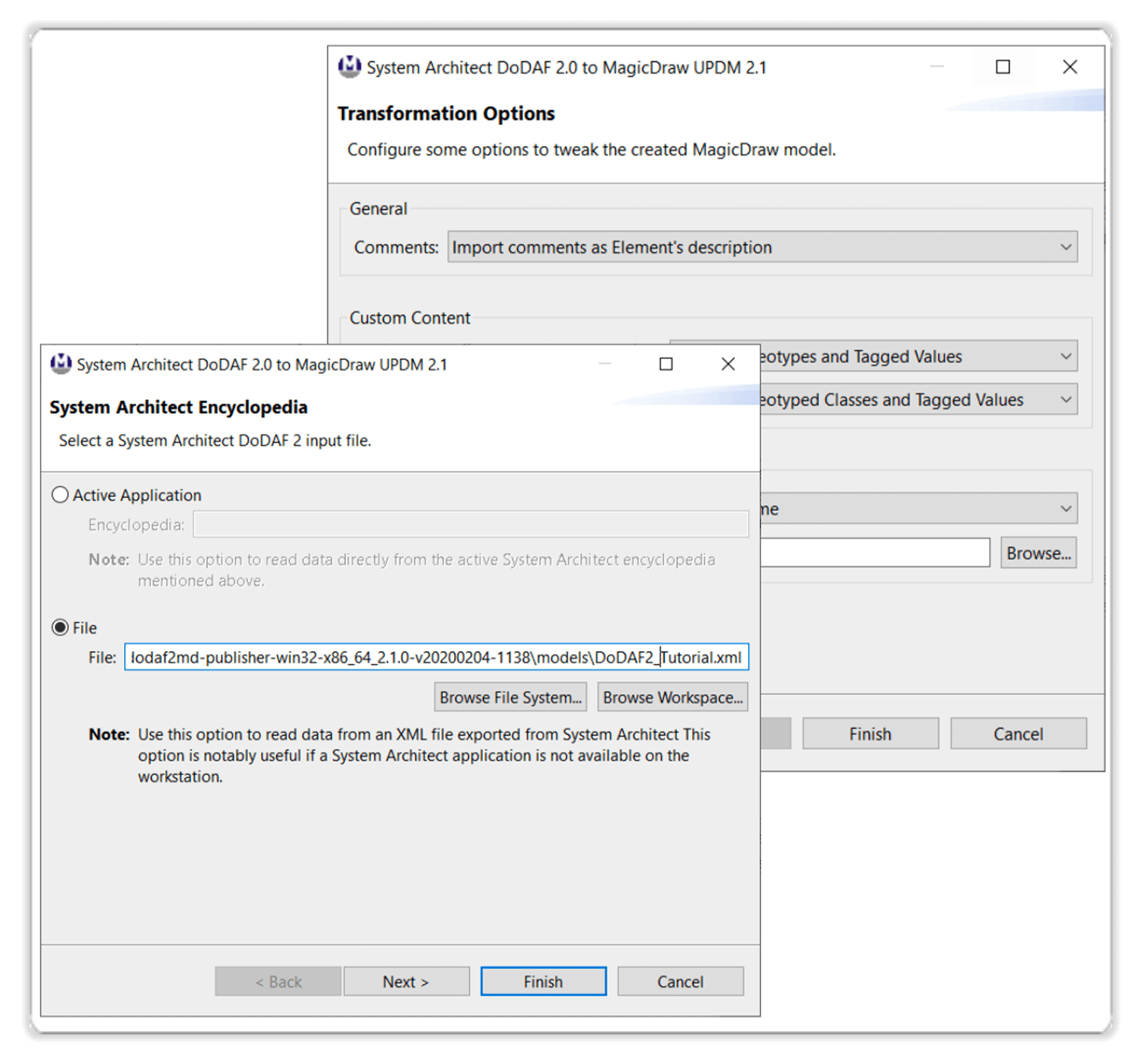
Connect directly to a running System Architect instance via the COM API, or load a previously exported XML encyclopedia file. Whichever fits your workflow.

Processing-icon_SodiusWillert_100x100px_color

Configurable Transformation

Fine-tune the output: preserve or replace UNICOM System Architect colors, handle custom elements and properties via stereotypes and tagged values, and control diagram-level options.

Validation-icon-SodiusWillert-100x100px-color

Full Traceability Reporting

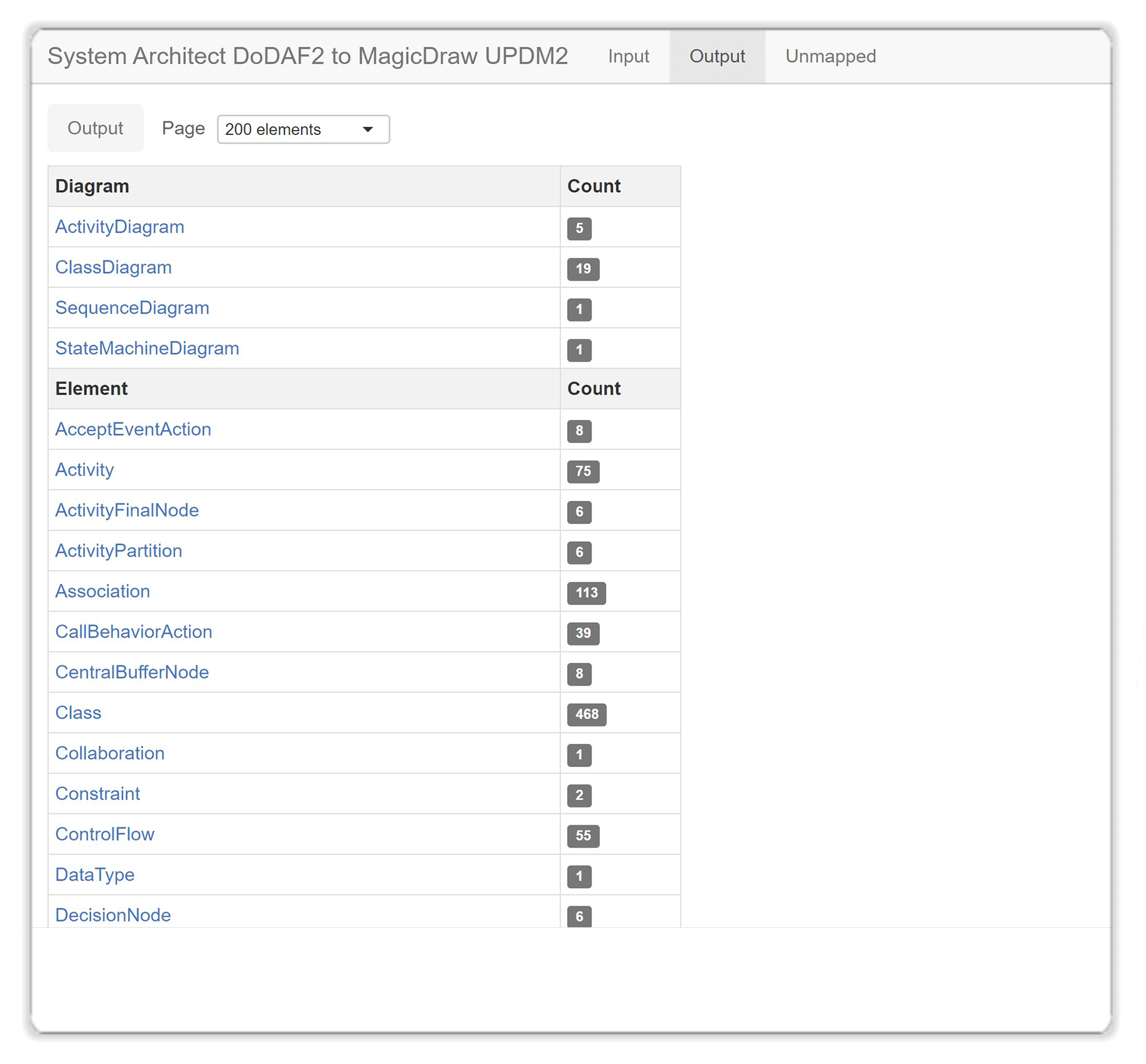
Every transformation produces a detailed HTML traceability log recording every converted element, so your QA team can validate the migration end-to-end.

Performance-icon-SodiusWillert-100x100px-color

Enterprise Scale

Proven on programs with over 12,000 diagrams and 900,000 model elements. Publisher for UNICOM SA converts the entire model in a single run.


TRANSFORMATION COVERAGE

Convert your models, hassle-free, and ready to use

Publisher for UNICOM System Architect covers the full range of architectural frameworks and modeling standards found in defense and government programs.

DoDAF to UPDM

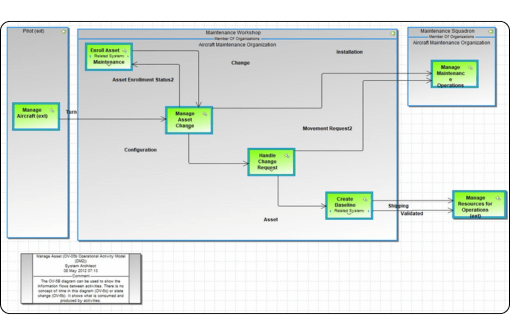
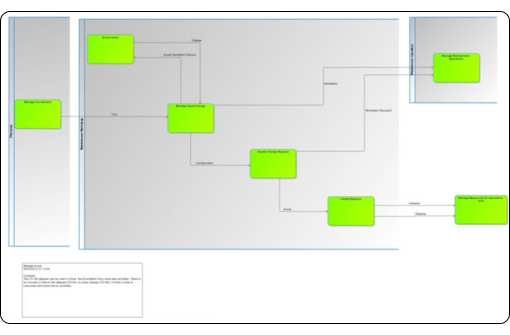
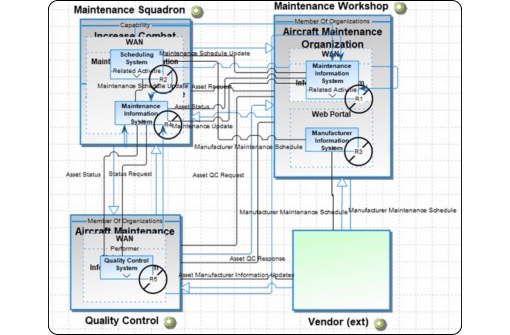
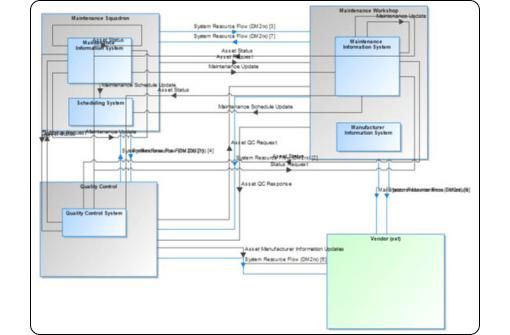
Convert all major DoDAF 2.0 viewpoints from UNICOM System Architect to UPDM 2.1 in Cameo, preserving element semantics, relationships, and diagram layouts.

Publisher for System Architect supports key architectural views (OV-1, OV-5b, SV-1, CV-2, and more), accurately mapping model elements and relationships to their UPDM equivalents. 


UML & UPDM to UAF

Convert UML diagrams from UNICOM System Architect to Cameo. New in v3.0.0: publish UPDM models from System Architect to Cameo UAF (Unified Architecture Framework) models.

  • Class Diagram: elements, attributes, operations

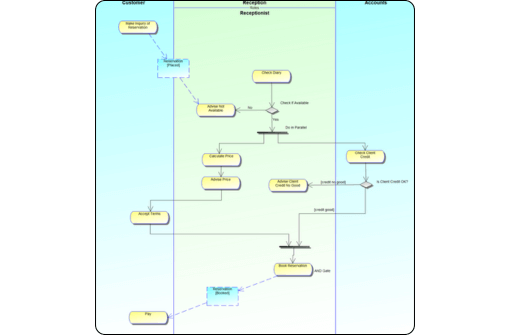
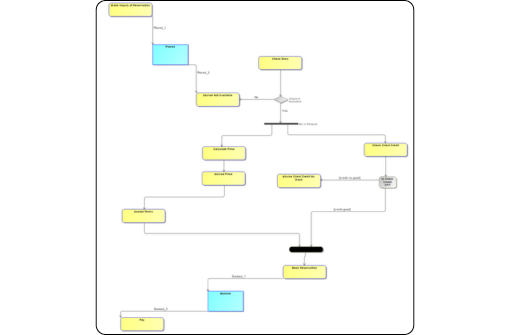
  • Activity Diagram: flows, partitions, BPMN

  • Sequence Diagram: messages, lifelines

  • State Diagram: transitions, states

  • Use Case, Component, Collaboration, Deployment

Traceability Log

Ensure traceability of all elements during the transformation. When running the Publisher for System Architect to convert UNICOM System Architect DoDAF 2.0 or UML models to NoMagic Cameo Systems Modeler (MagicDraw), a detailed traceability log is generated to record the execution flow of the data transformation.

WHY CHOOSE PUBLISHER FOR UNICOM SYSTEM ARCHITECT?

Built for programs that cannot afford a failed migration

Check mark_color_59x59px
Save Engineering Time

Eliminate months, often years, of manual model reconstruction. A conversion that would take a team of engineers a year runs in a fraction of that time.

Check mark_color_59x59px
Maintain Data Integrity

Every element, relationship, diagram layout, and color is accurately mapped. Stereotypes and tagged values preserve custom System Architect properties in Cameo.

Check mark_color_59x59px
Full Traceability

A detailed HTML report documents every transformation decision. Your QA and program management teams can verify every converted element against the UNICOM System Architect source.

Check mark_color_59x59px
No Manual Cleanup Required

User-configurable options for colors, custom element handling, and BPMN profiles ensure the output is production-ready. Configurable via the UI or publisher.properties file.

Check mark_color_59x59px
Enterprise Scale

Proven with 12,000 diagrams and 900,000 elements. Whether you have a small program model or a decade of enterprise architecture, Publisher handles it in a single run.

Check mark_color_59x59px
Maximize ROI

Protect your existing investment in UNICOM System Architect models. Every diagram and element migrates — nothing is left behind, and your engineering team keeps moving forward.

TRUSTED BY

Industry leaders trust SodiusWillert and the Publisher to help them exchange complex models

Organizations using UNICOM System Architect across complex programs choose Publisher for their migration to Cameo.

bae-systems-customers-sodiuswillert boeing-customers-sodiuswillert homeland-security-customers-sodiuswillert lmco-customers-sodiuswillert northrop-grumman-customers-sodiuswillert raytheon-customers-sodiuswillert us-army-customers-sodiuswillert us-mda-customers-sodiuswillert us-naval-air-systems-command-customers-sodiuswillert us-navy-customers-sodiuswillert

Resources

Explore all our resources to learn how to exchange systems models between UNICOM System Architect and Cameo Systems Modeler.

FREQUENTLY ASKED QUESTIONS

Common questions about Publisher for UNICOM System Architect

Can I try Publisher for UNICOM System Architect before purchasing?

Yes. A trial license is available and lets you run the full conversion pipeline against your own UNICOM System Architect encyclopedia. In trial mode, a watermark is added to the converted diagrams in the MagicDraw output so you can evaluate the transformation quality before committing to a full license.

To request a trial, visit sodiuswillert.com/contact-us.

How is Publisher for UNICOM System Architect priced?

Pricing is not published publicly, as it depends on program size, number of users, and license type (file vs. server). SodiusWillert provides a customized quote based on your conversion scope. Contact our sales team to discuss your requirements and receive a tailored proposal.

Which versions of UNICOM System Architect and Cameo Systems Modeler are supported?

The current release (v3.0.0) has been validated with UNICOM System Architect 11.4.9.2 and supports all versions from 11.4 and above. On the output side, it generates .mdzip files compatible with:

  • MagicDraw / Cameo Systems Modeler 19.0

  • MagicDraw / Cameo Systems Modeler 2021x

  • MagicDraw / Cameo Systems Modeler 2022x

  • MagicDraw / Cameo Systems Modeler 2024x R3

The target profile version is configurable in the publisher.properties file. UPDM 2.1 and BPMN 2.0 plugins must be installed on the target Cameo instance.

What model types from UNICOM System Architect can be converted?
Publisher supports three encyclopedia types from UNICOM System Architect:
  • DoDAF 2.0: converted to UPDM 2.1 in Cameo, covering all major viewpoints (AV, CV, OV, SV, SvcV, DIV, PV)
  • DoDAF 1.5 also converted to UPDM 2.1, with SysML Requirement transformation included
  • UML: eight diagram types converted (Class, Activity, Sequence, State, Use Case, Component, Collaboration, Deployment)
  • UPDM → UAF: UPDM models from System Architect can be published to Cameo UAF
Encyclopedias using other frameworks (NAF, etc.) are not supported. The encyclopedia must contain at least one DoDAF 2.0, DoDAF 1.5, or UML diagram to trigger a transformation.

Ready to migrate your UNICOM System Architect models?

Talk to a SodiusWillert expert about your program's UNICOM System Architect models and get an evaluation license, at no cost.

Fichier 1 1 1

Need another format?

Our Publisher solutions support all major systems design formats such as IBM Rhapsody, IBM Rational Software Architect, UNICOM System Architect, NoMagic Cameo, and MagicDraw. Browse our range of systems model exchange solutions and start converting your files today.